Freight and transport search
Need freight or transport? Find the right listing on YukOn
Use the freight exchange to find loads and trucks. YukOn is a freight marketplace that brings freight and available transport listings from Telegram channels into one searchable place. Find freight or a load available for your route, or find a carrier when a truck is needed.
Live listings
Relevant matches
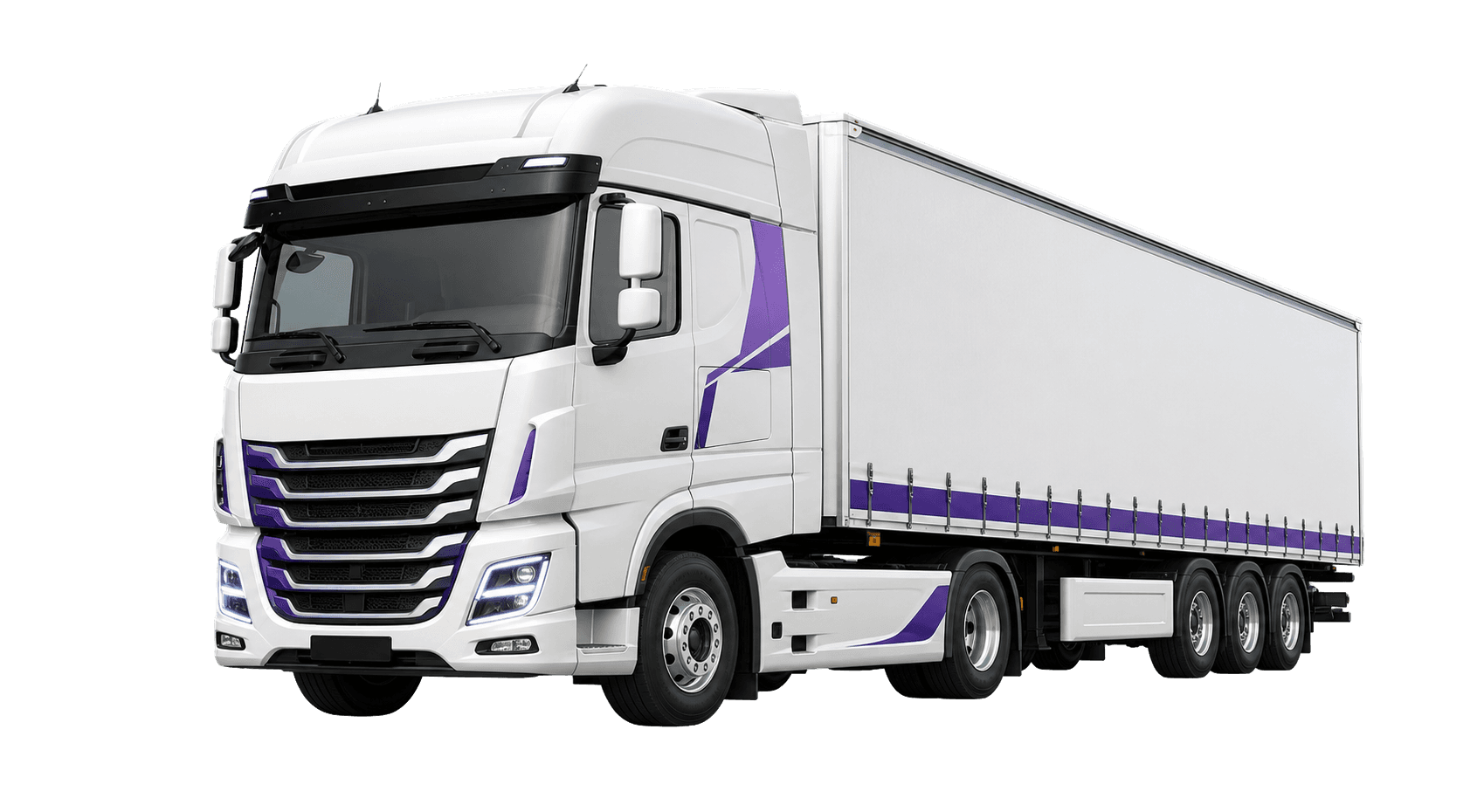
Relevant matches
- Daily listings
- 5 813
- Telegram channels
- 56
- Routes
- 6 132
Do you need freight or transport?
Choose the search path that matches your job and review listings by route, date, and relevant details.
For drivers and carriers
Find freight
Need to find freight or a load available for a route? Choose the origin, destination, date, and cargo type to review matching freight listings.
Open searchFor shippers and logistics teams
Find transport
When a truck is needed, find a carrier or available vehicle by route and body type.
Open searchHow does YukOn work?
The platform prepares scattered listings for search so you can find the right freight or transport more quickly.
- 1
We collect listings
Freight and transport listings are regularly collected from public Telegram sources.
- 2
We structure the details
Routes, dates, cargo types, and vehicle details are normalized into a consistent format.
- 3
You choose a match
Use filters to find a listing, then verify every detail with the original publisher before making a deal.
How do people phrase their search?
Different phrases may describe the same need. YukOn directs you to either freight or available transport search.
Searching for “find freight” or “load available”?
Open freight search and select the origin, destination, date, and cargo type. YukOn will show relevant freight listings.
Searching for “truck needed” or “find a carrier”?
Open transport search and choose the route and body type. YukOn will show available transport listings.
Frequently asked questions
Does YukOn carry freight or act as a broker?
No. YukOn is not a carrier, broker, insurance provider, or payment provider. It prepares Telegram freight and transport listings for search.
How do I search for freight?
Open freight search, choose your route and relevant filters, then review matching listings.
How do I find available transport?
Open transport search, choose the route, date, and body type, then review matching listings.
Where do listings come from, and how recent are they?
Listings are regularly collected from public Telegram channels. Check the available publication time and source details on each listing.
Where should I confirm listing details?
Before making a deal, confirm the price, timing, and other details with the original listing publisher.
Start searching for the freight or transport you need
Open freight search when you need a load, or choose transport search when you need a vehicle or carrier.